LootMemory
LootMemory turns your ARPG run into an AI-readable save state. Talk through your session with GPT or Grok, compare loot, track DPS branches, preserve build decisions, and continue future chats with stable game context.
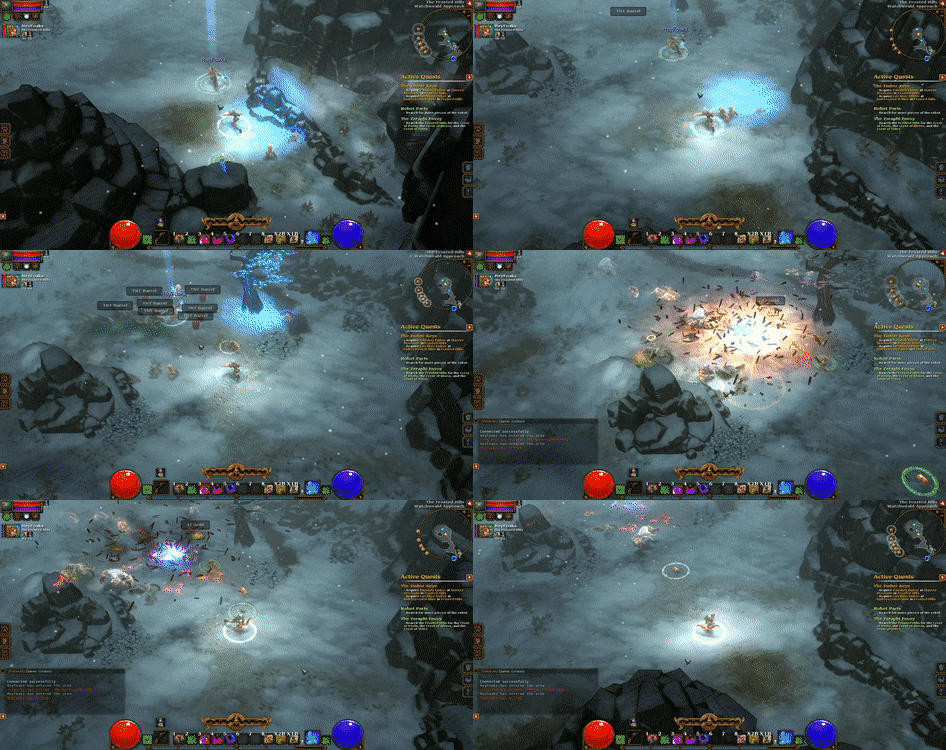
Torchlight 2 Start Page
Start a new run, generate a contract, then move into the active memory/runtime page.
GPT can help you play loot games, but normal chats forget the run.
In the AI era, players can finally discuss loot, builds, stats, routes, and decisions with flagship chat models. But ARPG sessions are long, branching, and context-heavy. Without a memory layer, the chat becomes inconsistent.
Loot context breaks
New drops only make sense relative to your current build, weapon history, skill route, difficulty, and damage branches.
Chats lose continuity
A fresh GPT or Grok chat may not know your build logic, previous tradeoffs, saved gear, or why you made earlier decisions.
Guides are too static
Wikis and forums explain the game, but they do not remember your run, your stash, your DPS forks, or your current dilemma.
A corpus-backed save layer between your ARPG and your AI chat.
LootMemory gives AI a stable game-specific corpus and lets you save your run as structured memory. The result is a more coherent way to play loot-based games with AI.
Choose a LootMemory module.
More loot-based games can be added later. For now, Torchlight 2 is the active module.
Torchlight 2
Use GPT or Grok to discuss your run, compare loot, track DPS branches, preserve build decisions, and continue future sessions with a stable Torchlight 2 corpus.
Start page and active runtime are separate.
The start page is for a new run or first-time setup. The runtime page is where an existing character/session continues.
Start / New Run
Landing page for beginning Torchlight 2 with LootMemory. Use this when you create a character, generate the first contract, or start fresh.
Open /t2 →Continue Runtime
Active memory screen for an existing character/run. Use this after the run has begun and you want to continue tracking build state.
Open /torchlight2 →